Introduction
A WordPress site that started as a brochure and grew into a business system eventually hits the same wall: a plugin stack nobody fully understands, a security surface that widens with every update, and page loads that no amount of caching quite rescues. Rebuilding on MERN (MongoDB, Express, React, Node) or MEAN (with Angular) removes the plugin attack surface and gives you an API-first architecture — and with Claude Code the migration is no longer a six-month leap of faith.
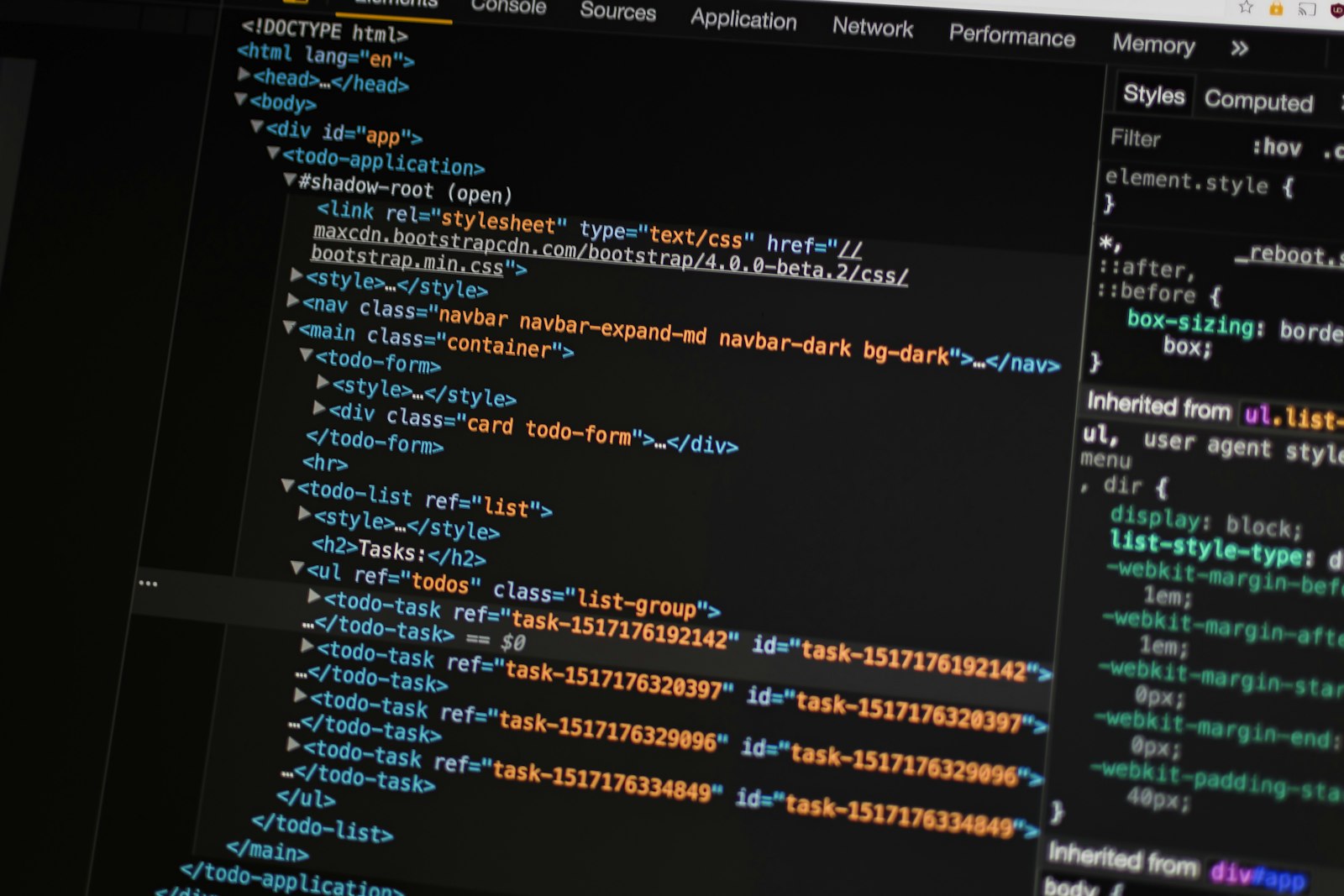
Why teams are migrating WordPress sites to a MERN or MEAN stack, and how Claude Code turns a months-long rewrite into a guided, reviewable migration.
Key Highlights
A Smaller Attack Surface
Most WordPress breaches come through third-party plugins and themes, not core. A custom stack ships only the code you actually wrote and reviewed.
Speed From Architecture, Not Plugins
Serving JSON to a React front end removes PHP rendering, plugin hooks and database round-trips from the critical path — so performance stops depending on a caching layer.
Claude Code as the Migration Engine
Point Claude Code at the existing theme and database, and it maps custom post types to schemas, ports template logic to components, and writes the import scripts — with you reviewing each step.


Implementation Example
// Step 1 of a WordPress -> MERN migration: pull posts from the
// WP REST API and write them into MongoDB. Claude Code can generate
// this from your actual custom post types, then you review it.
import mongoose from 'mongoose';

const PostSchema = new mongoose.Schema({
  wpId:      { type: Number, unique: true, index: true },
  slug:      { type: String, unique: true, index: true },
  title:     String,
  html:      String,
  excerpt:   String,
  status:    { type: String, default: 'publish' },
  publishedAt: Date,
}, { timestamps: true });

const Post = mongoose.model('Post', PostSchema);

async function importFromWordPress(siteUrl) {
  let page = 1;
  for (;;) {
    const res = await fetch(siteUrl + '/wp-json/wp/v2/posts?per_page=100&page=' + page);
    if (res.status === 400) break;          // past the last page
    const batch = await res.json();
    if (!batch.length) break;

    await Post.bulkWrite(batch.map((wp) => ({
      updateOne: {
        filter: { wpId: wp.id },
        update: {
          $set: {
            slug:        wp.slug,
            title:       wp.title.rendered,
            html:        wp.content.rendered,
            excerpt:     wp.excerpt.rendered,
            status:      wp.status,
            publishedAt: new Date(wp.date_gmt),
          },
        },
        upsert: true,
      },
    })));

    console.log('imported page ' + page + ' (' + batch.length + ' posts)');
    page += 1;
  }
}
Benefits & Best Practices
No More Plugin Update Roulette
Dependencies become explicit npm packages you version and audit, instead of a dashboard full of plugins that each ship their own update cycle.
URLs and Rankings Survive
Slugs migrate one-to-one and old paths get 301s, so the SEO equity the WordPress site earned carries into the new stack.
A Real API Underneath
Once content lives behind an Express API, the same data feeds a website, a mobile app and any integration you add later.
A Reviewable Migration
Claude Code drafts each stage — schemas, importers, components, redirects — and a developer reviews it, so nothing lands in production unread.
Conclusion
Migrating off WordPress is not about fashion; it is about removing an attack surface you did not choose and a performance ceiling you cannot lift. The work that used to make this migration unaffordable — mapping content models, porting templates, writing importers — is exactly the work AI-assisted development handles best. WebPenter runs these migrations with Claude Code doing the heavy lifting and our engineers reviewing every stage.